

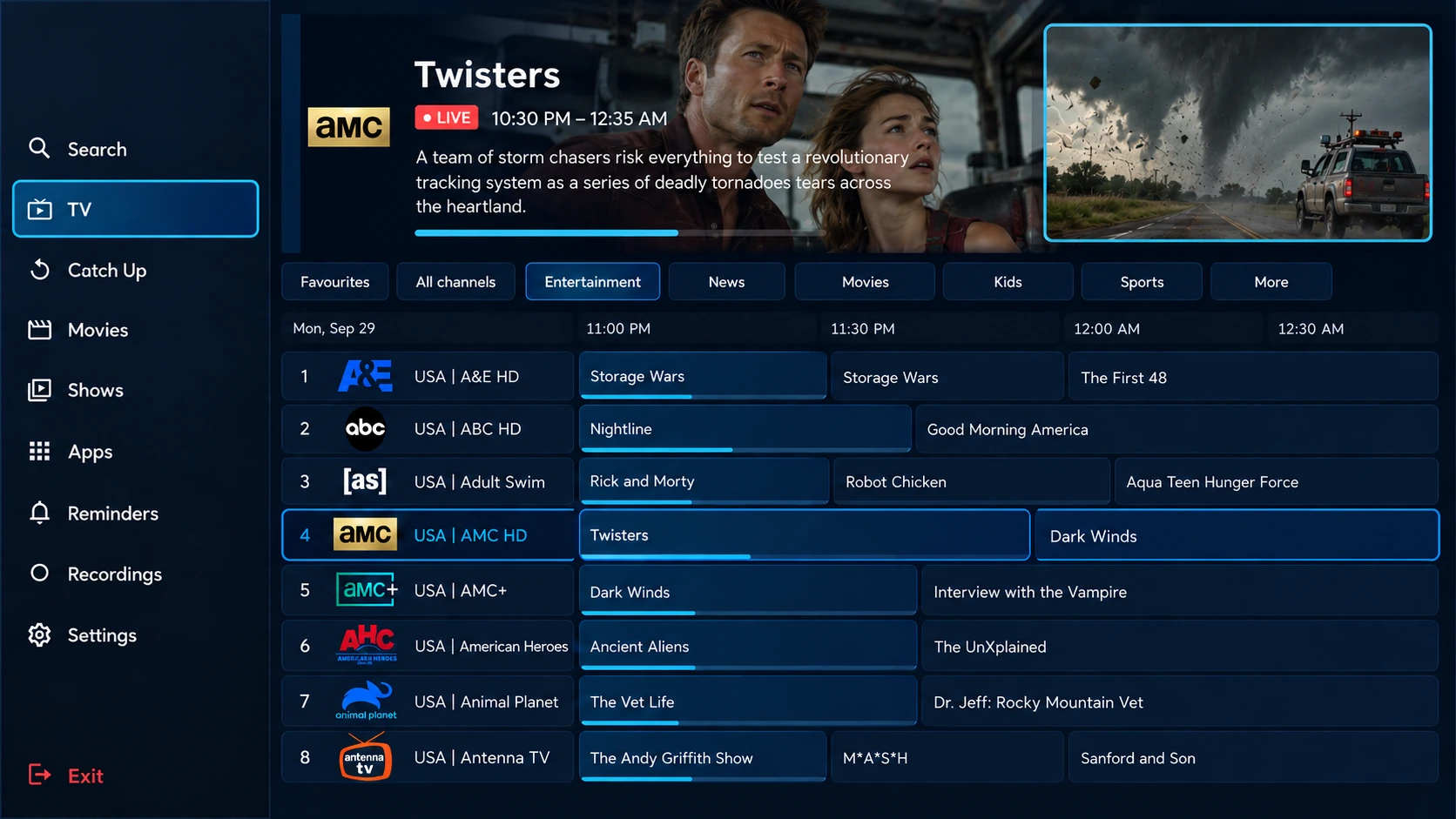
WATCHANYWHERE
All the Live TV, Movies & TV Shows you crave in one easy place
Already a customer? Manage Your ServiceTV Guide
ABOUT JINX TV
Entertainment without the hassle.
JINX TV brings Live TV, Movies, TV Shows & Series together in one convenient streaming service. Enjoy a huge selection of live channels, movies, TV shows and series on demand, including entertainment, sports and more.
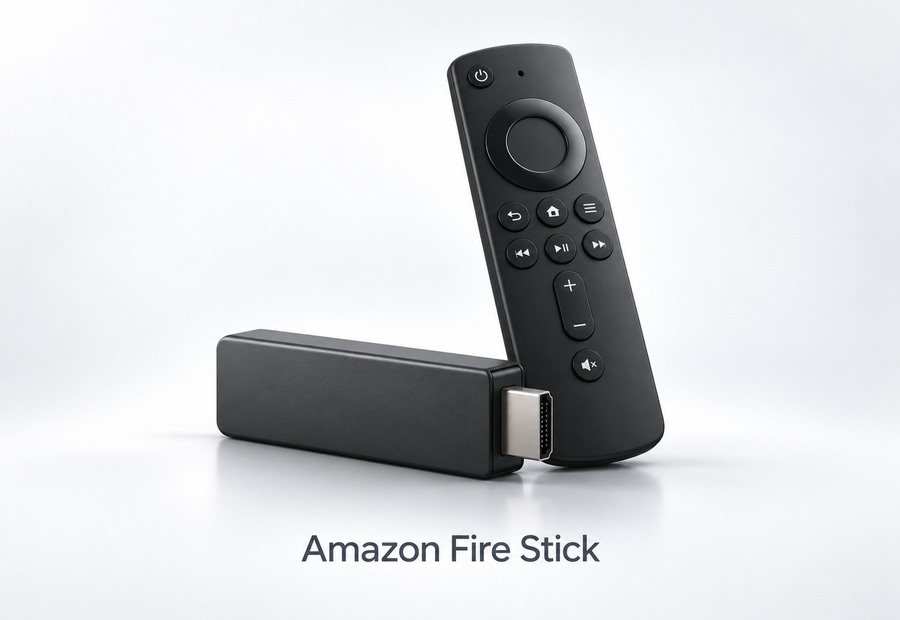
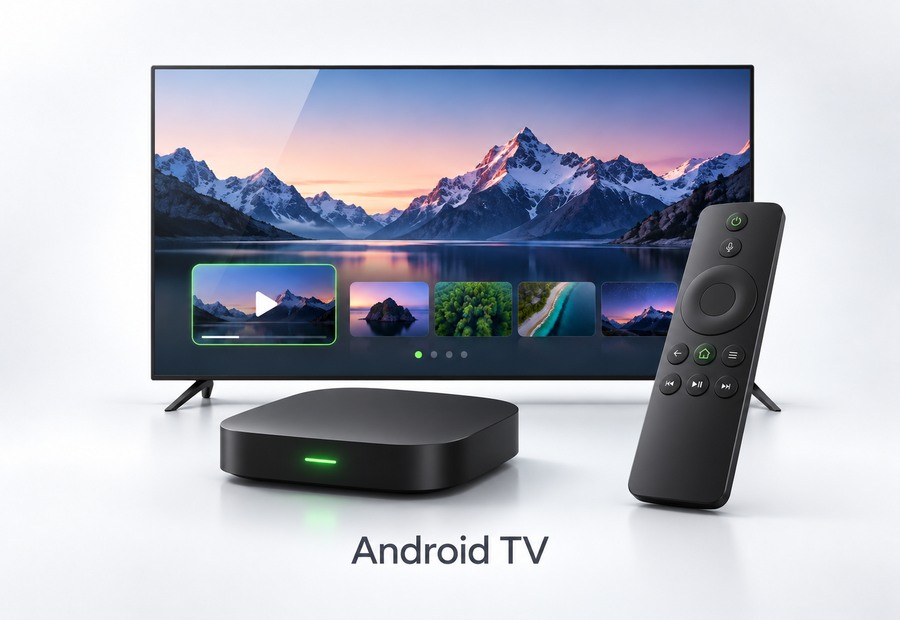
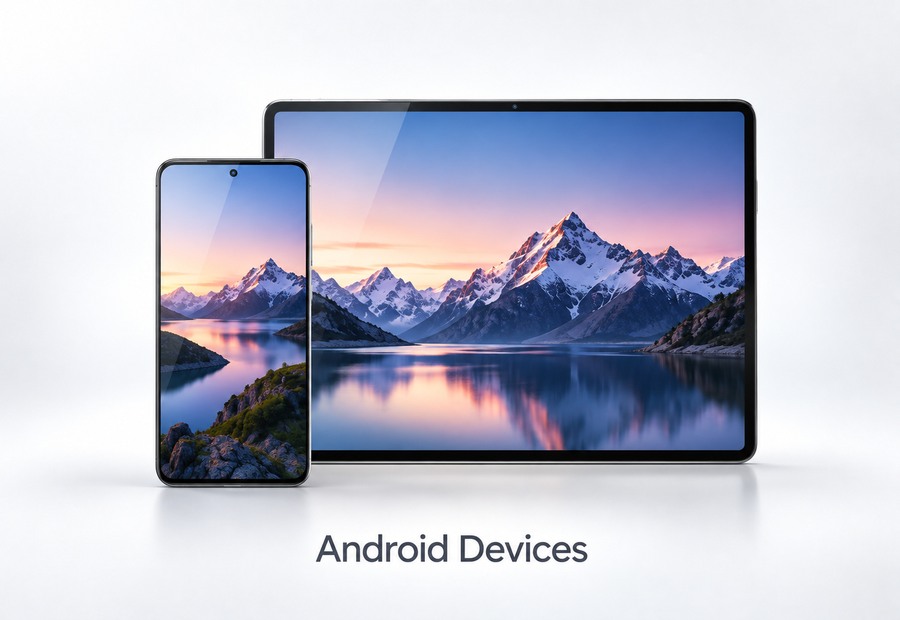
Watch across your favorite compatible devices including Smart TVs, Amazon Fire TV and Fire Stick, Android TV, Google TV, iPhone, Android devices, Windows and Mac.
Your service includes a TV program guide for Eastern, Central, Mountain and Pacific time zones, with HD, Full HD and up to 4K quality where available.
Simple setup. Multiple device options. Entertainment all in one place.
Latest Movies




Latest TV Shows





Live Premium Channels









AND MORE
SIMPLE PRICING
Choose Your Plan
Affordable plans for every household. Month-to-month.
SAVE MORE WITH MORE CONNECTIONSEach connection covers 1 TV or device. Plans start at $25 /month with bigger savings when you add more connections.
1 TV or Device
$25 /month
Get Started
2 TV or Devices
$50 /month regular price
$40 /month
SAVE $10 /Month
Get Started
3 TV or Devices
$75 /month regular price
$55 /month
SAVE $20 /Month
Get Started
4 TV or Devices
$100 /month regular price
$70 /month
SAVE $30 /Month
Get Started
5 TV or Devices
$125 /month regular price
$85 /month
SAVE $40 /Month
Get Started
WORKS ON YOUR FAVORITE DEVICES
Need Help With Installation?
Our PDF installation guides and online Knowledge Base guides are free.
Want someone to walk you through setup? We offer optional phone support for $35 for the first device, plus $5 per additional device to help you install your player and sign in with your JINX TV details.
Open the installation guides or contact us in chat to arrange a phone walkthrough.
GET STARTED
Enter Your Information
You selected 1 TV or Device — $25 /month.
QUESTIONS & ANSWERS
Frequently Asked Questions
What is JINX TV?
JINX TV delivers live television, movies, TV shows and series on demand over your internet connection. Enter your JINX TV login information into a compatible player on your device.
How much does JINX TV cost?
Monthly plans are $25 for 1 connection, $40 for 2, $55 for 3, $70 for 4 and $85 for 5. Each connection covers one simultaneous TV or device. These prices describe the service period; the approved checkout links are one-time payments, not automatic recurring billing.
Which devices are supported?
JINX TV works with Amazon Fire TV / Fire Stick, Android TV / Google TV / ONN, Apple TV, Roku, Android phones and tablets, iPhone and iPad, Windows and Mac, plus other compatible devices. Ask us to confirm the correct player and guide for an unlisted device.
Which player do I use with JINX TV?
Use TiviGlass for Fire Stick / Fire TV and Android TV / Google TV / ONN; Kwick Player for Roku; North IPTV for Apple TV / iPhone / iPad; and IPTVnator for Windows or Mac. Follow the matching free installation guide. For an unlisted device, contact support to confirm the correct player. Open the installation guides.
Are the installation guides free?
Yes. PDF installation guides and online Knowledge Base guides are free. You can install the correct player before payment or before your login details arrive; stop before account sign-in, playlist entry or Roku pairing. Ask in chat for the matching PDF or use the installation guides link below. Open the installation guides.
Can someone walk me through installation over the phone?
Optional phone support provides a step-by-step installation walkthrough for $35 for the first device plus $5 per additional device. This is separate from your service plan. PDF and online installation guides remain free. Contact JINX TV Support to arrange phone assistance.
Do you offer free trials?
JINX TV does not offer free trials. We can help you choose a plan and use the free installation guides.
How long does setup take?
Setup is usually quick, but we do not promise an exact activation or credential delivery time. You may install the player using the free guide before credentials arrive. After Jinx verifies payment, login details are emailed separately from the payment receipt. Enter those details into the matching player when they arrive.
How many TVs or devices can I use?
Each connection covers one simultaneous TV or device, in any combination of supported device types. One subscription supports up to five connections. You may purchase multiple independent plans for more than five; each has separate login credentials. For example, 6 connections use 5 + 1 at $85 + $25 = $110/month; 10 use 5 + 5 at $170/month. Customers choose their devices; no device-allocation list is required.
What streaming quality is available?
HD, Full HD and up to 4K are available where supported by the content, device and internet connection.
Are local channels available?
Local network affiliates are available for many U.S. markets. Availability varies by location; contact support to confirm your local channels.
Is the TV guide set to U.S. time zones?
The electronic program guide supports U.S. time zones, including Eastern, Central, Mountain and Pacific.
What internet speed do I need?
Around 10–15 Mbps per HD stream and 25 Mbps or more per 4K stream are recommended. A wired connection or strong 5 GHz Wi-Fi can improve stability.
What should I do if a channel freezes or buffers?
Check your internet connection and restart the player or device. If the problem continues, contact JINX TV Support so the service can be checked. Use the guide matching your device; do not send passwords or full payment-card details in chat.
Does my plan renew automatically?
Plans are month-to-month. The approved Stripe checkout links are one-time payments and do not enable AutoPay. When your paid period ends, choose whether to renew. AutoPay or recurring billing may be arranged separately with Jinx upon request; ask Jinx to verify your account’s arrangement and renewal status.
How do I renew my existing JINX TV service?
Select Renew My Service and provide your current plan and contact details. Use the matching approved one-time payment link for your existing service. Jinx verifies the payment and applies the renewal for another month. Keep your existing login credentials, subject to verification; an ordinary renewal is not a purchase of a new account. A receipt alone does not confirm the renewal has been applied.
How do I add connections or upgrade my existing plan?
Select Add More Connections. Within one subscription, each added connection increases the monthly rate by $15, up to five connections. For example, 1 connection at $25 becomes 2 at $40/month, an increase of $15/month. Jinx reviews and processes the upgrade and any current-cycle adjustment; the monthly increase is not automatically due today. Existing credentials are retained subject to verification. More than five connections require independent subscriptions with separate credentials; Jinx reviews the proposed change.
How do I remove connections, downgrade, or change my plan?
Select Remove Connections / Downgrade or Change My Plan. We compare your current and requested plans and show the new monthly rate and difference. For example, 5 to 3 connections changes $85 to $55/month, saving $30/month. Keep at least one connection per plan. Jinx reviews and processes the change and any current-cycle adjustment. Submitting the form does not automatically change service or billing or charge an adjustment. Payments are non-refundable.
How do I cancel my JINX TV service?
For month-to-month service without AutoPay or recurring billing, you can simply let your paid subscription expire and choose not to renew; no cancellation request is needed. If you have AutoPay or recurring billing, contact Jinx or select Cancel My Service so Jinx can review and stop future payments. Letting service expire does not itself cancel recurring billing. You can also submit a cancellation request if you want Jinx to review your account. Jinx must confirm any account or billing changes and their effective date. Payments are non-refundable. You do not need to renew or pay to request cancellation.
Which requests can I submit, and how does live chat work?
Choose New Service, Renew My Service, Add More Connections, Remove Connections / Downgrade, Change My Plan, Technical Assistance, Billing Question or Cancel My Service. Enter your details and select Continue to Live Chat. Your contact details and applicable request/plan information populate the chat draft automatically. Review it and tap Send; nothing is sent as a chat message until you do. An earlier chat may be ended and a new conversation opened to prepare your request. Account and billing actions require Jinx verification.
When will I receive my login details, and what about billing questions?
For new service, Jinx independently verifies payment and then emails login details separately from your payment receipt. Each independent plan gets its own credentials. Renewals retain existing credentials subject to verification. We cannot promise an exact delivery time or claim a payment, renewal or account change is complete without verification. Payments are non-refundable. For billing questions, disputed charges or an unknown account status, contact Jinx; do not send passwords or full card details.
CONTACT JINX TV
Have a question or need assistance?
Chat with JINX TV Support directly on this website.
Private customer support chat